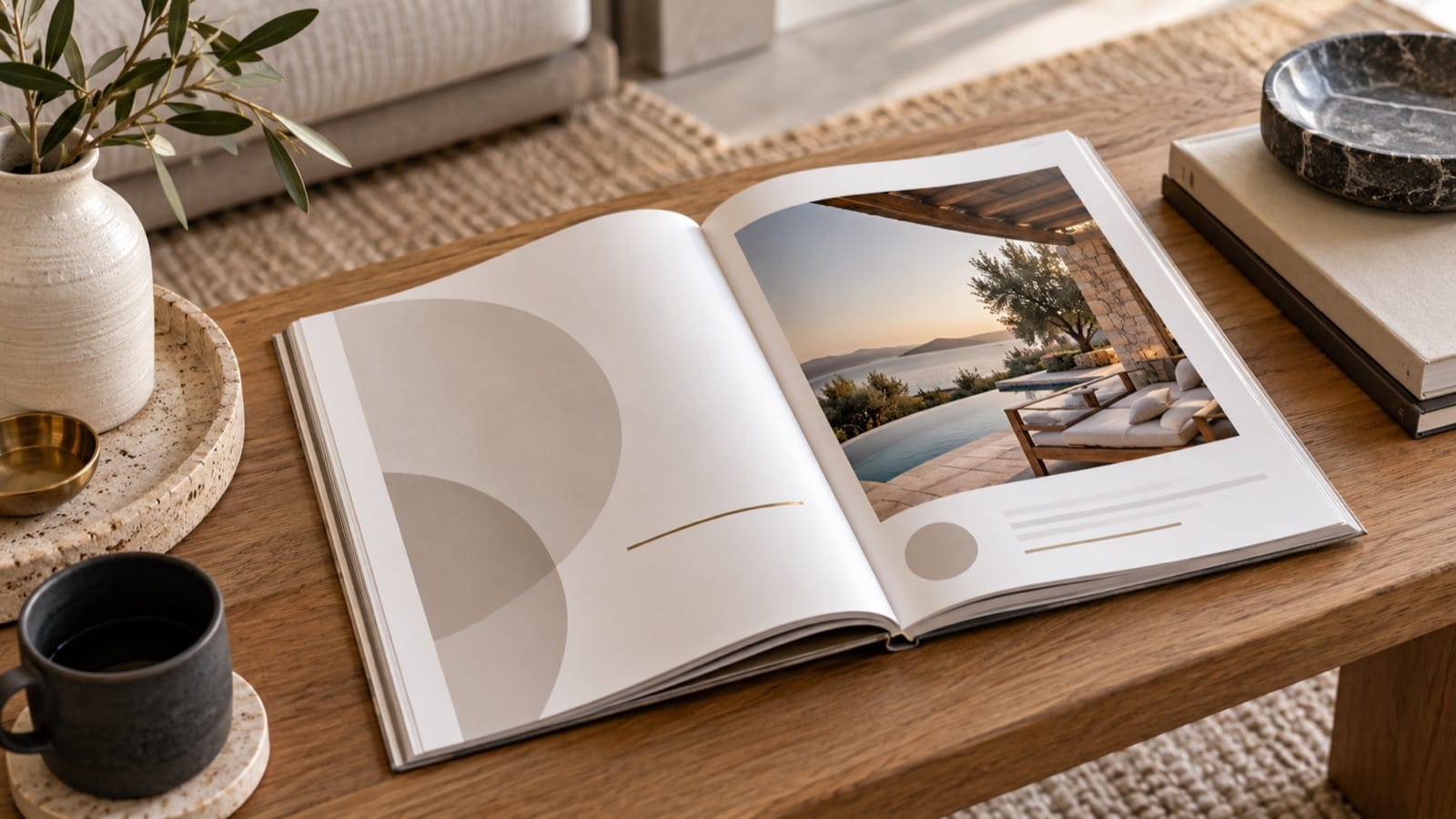
Good Airbnb welcome-book design makes an answer easy to find while a guest is doing something else. Someone holding a suitcase needs the entrance steps. Someone standing beside the washer needs the right control. Those moments should shape the page before you choose a decorative cover.
Start with the information you have already verified. This guide covers layout and readability; the complete welcome-book guide covers the wider content plan.
Design around one guest question at a time
Give each section a descriptive heading: “Connect to Wi-Fi,” “Use the washing machine,” or “Leave the keys here.” A heading such as “The essentials” can introduce a section, but the individual answers still need clear labels.
Place the answer before the explanation. For Wi-Fi, show the network and password before a paragraph about the property's internet. For checkout, show the time before the thank-you note. Guests should not need to interpret a story to find a practical fact.
A repeatable instruction-page layout
- Question or task: a specific heading.
- Location: where the item or control is.
- Action: a short ordered sequence.
- Photo: only when it resolves a real ambiguity.
- Help: what to do if normal operation fails.
Find the spare towels
Open the lower cupboard beside the bathroom door. Clean towels are on the middle shelf. Please put used towels in the basket below the basin. If you need more, message us through [contact method].
This fictional example works because the location and action are concrete. A large photograph of folded towels would add little unless the cupboard itself is difficult to identify.
Choose readable type and generous spacing
Use a clear body typeface, strong contrast, and enough space between instructions. Keep decorative text for short headings, if you use it at all. Avoid placing important instructions over a detailed photograph.
Test the actual output. A layout that looks spacious on a laptop may produce tiny text on a phone or a cramped printout. Open the exported file on a phone at normal viewing size and print one representative page before approving the whole book.
Use photography to explain the property
Choose the entrance guests must recognise, the control panel they will operate, or the cupboard they need to open. Keep photographs current and crop around the relevant decision. Avoid showing permanent access codes or private information.
Use your own property photographs in the finished guest guide. An illustrative image can support a blog article, but it should not imply that another home's entrance or appliance is the one your guests will encounter.
Make the contents page useful
Put immediate information early, then household operation, local recommendations, and departure. Use section names consistently across messages and the book. If a message says “See Parking,” the guide should have a heading called Parking.
For a digital file, test contents links and external links after export. For print, include page numbers and make headings visible while flipping through the booklet. Our digital-versus-printed comparison explains where each version helps.
Leave room for updates and translations
Keep an editable source and a revision date. A design that barely accommodates the current English text will be harder to update or translate. Give instructions space to expand without shrinking them into unreadable blocks.
If you translate the guide, check the finished pages with the new text rather than assuming the layout survives unchanged. The multilingual guide workflow includes a review process.
Run a five-question usability check
Ask someone unfamiliar with the home to find the Wi-Fi, arrival steps, spare supplies, host contact, and checkout time. Watch where they hesitate. Revise the structure before adding more decorative detail.
Start with a designed guide built around your property. Preview The Check-in Guide, then verify your home's facts and instructions before sharing the finished PDF.