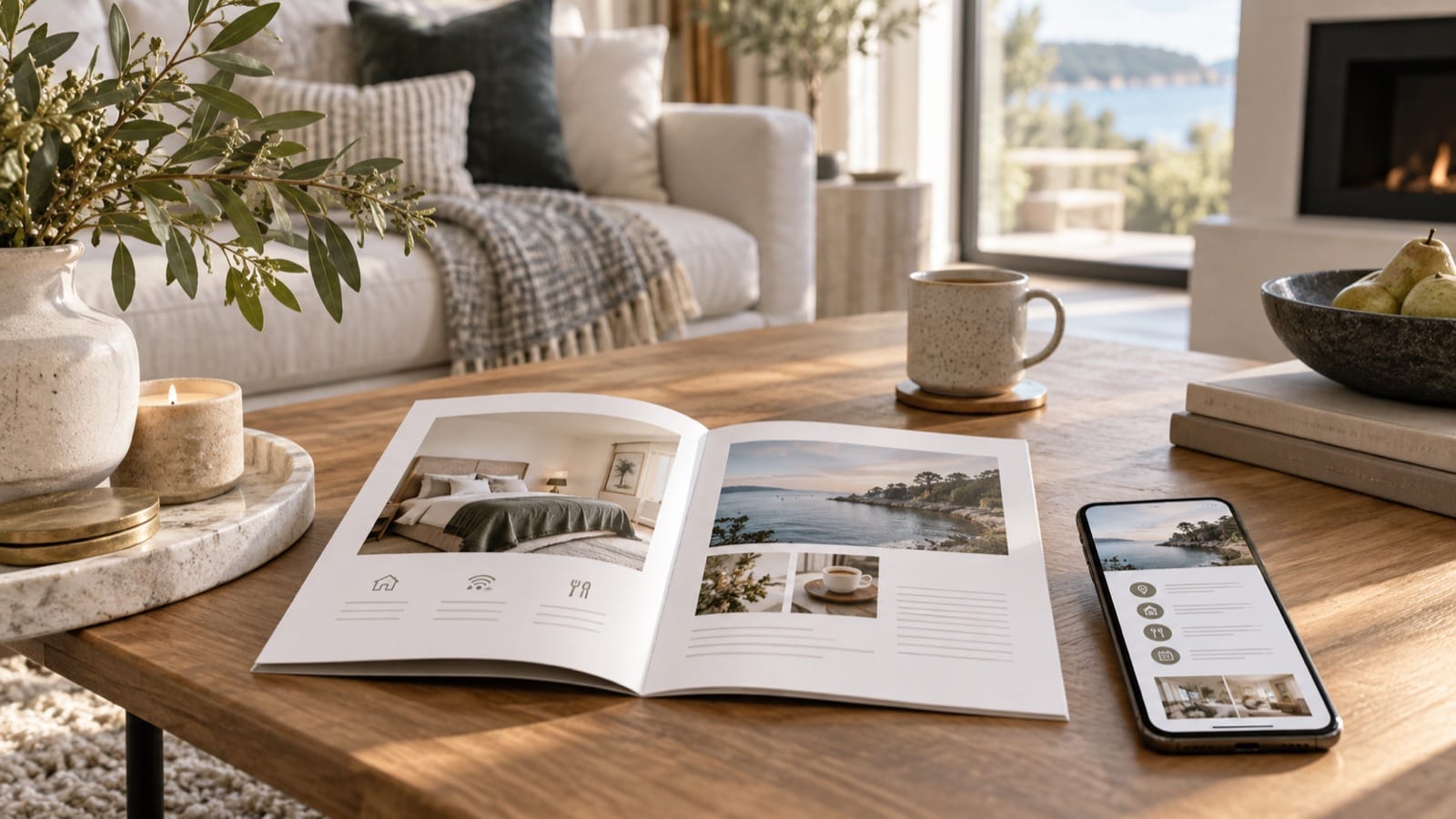
Choosing between a digital and printed welcome book comes down to when guests need the information. A digital guide can travel with them before arrival. A printed guide is available in the home when their phone is charging, someone else has the booking, or the internet is unavailable.
For many small vacation rentals, a practical setup is one maintained guide delivered as a PDF, plus a printed copy of the essentials. The key is keeping both versions accurate. A beautifully bound book with last year's parking instructions is still a problem.
Digital versus printed welcome books at a glance
| Guest need | Digital guide | Printed guide |
|---|---|---|
| Before arrival | Can be shared in advance | Usually only available in the home |
| Without internet | Works if downloaded and supported by the device | Available directly |
| Updating information | Replace the file or update the hosted version; old downloads remain | Replace affected pages or the whole copy |
| Sharing within a group | Forward the file or link | Leave in a shared, obvious location |
| Maps and websites | Clickable links are convenient | Use clear names, addresses, or a companion link |
When a digital guide is most useful
Digital delivery suits directions, packing notes, transport information, and anything guests need before reaching the home. A downloadable PDF can also be useful during travel, provided guests save it before losing connectivity.
Make the file easy to read on a phone. Test a page at normal viewing size: can you find the address or contact without repeatedly zooming? Keep headings descriptive and paragraphs short. Links should have meaningful labels, such as “Parking map,” rather than several identical “Click here” buttons.
Remember that a PDF and a hosted guide behave differently. Replacing a PDF at one link does not update a file a guest already downloaded. Send a fresh version if important information changes, and tell the guest what changed.
When a printed guide earns its place
A printed copy works well for information used inside the home: Wi-Fi credentials, appliance steps, bins, contact details, and checkout. Airbnb recommends leaving a printed house manual where guests can find it in its first-guest guidance.
Place it somewhere obvious and comfortable to read, such as the living-room table. Use readable body type, good contrast, and a binding that stays open. Replace stained or damaged pages during turnover. A small booklet people use is more valuable than a large binder they avoid opening.
Use one master guide and a revision date
- Keep one editable source for property facts and guest instructions.
- Add a visible revision date or version to the finished guide.
- Export the new digital copy when information changes.
- Replace the printed pages affected by that change.
- Check the listing and scheduled messages for the same outdated detail.
Give one person responsibility for updates. Add a quick guide check to your hosting checklist, especially after a lock change, equipment replacement, or altered parking arrangement.
What should the printed essentials include?
Start with the host contact, Wi-Fi, the most-used home instructions, waste information, and a short checkout section. Keep reservation-specific entry codes out of a reusable public sample or shared master copy. For a section-by-section starting point, use the free welcome-book template.
Can a QR code replace the printed book?
A QR code can point to the full guide, but it still depends on a working phone and, for an online destination, connectivity. Put the Wi-Fi credentials and essential contact information in visible text. Treat the code as another route rather than the only way to get help.
Create a guide you can share and print. The Check-in Guide produces a downloadable PDF welcome book from your listing and property details. Preview yours before deciding to buy.