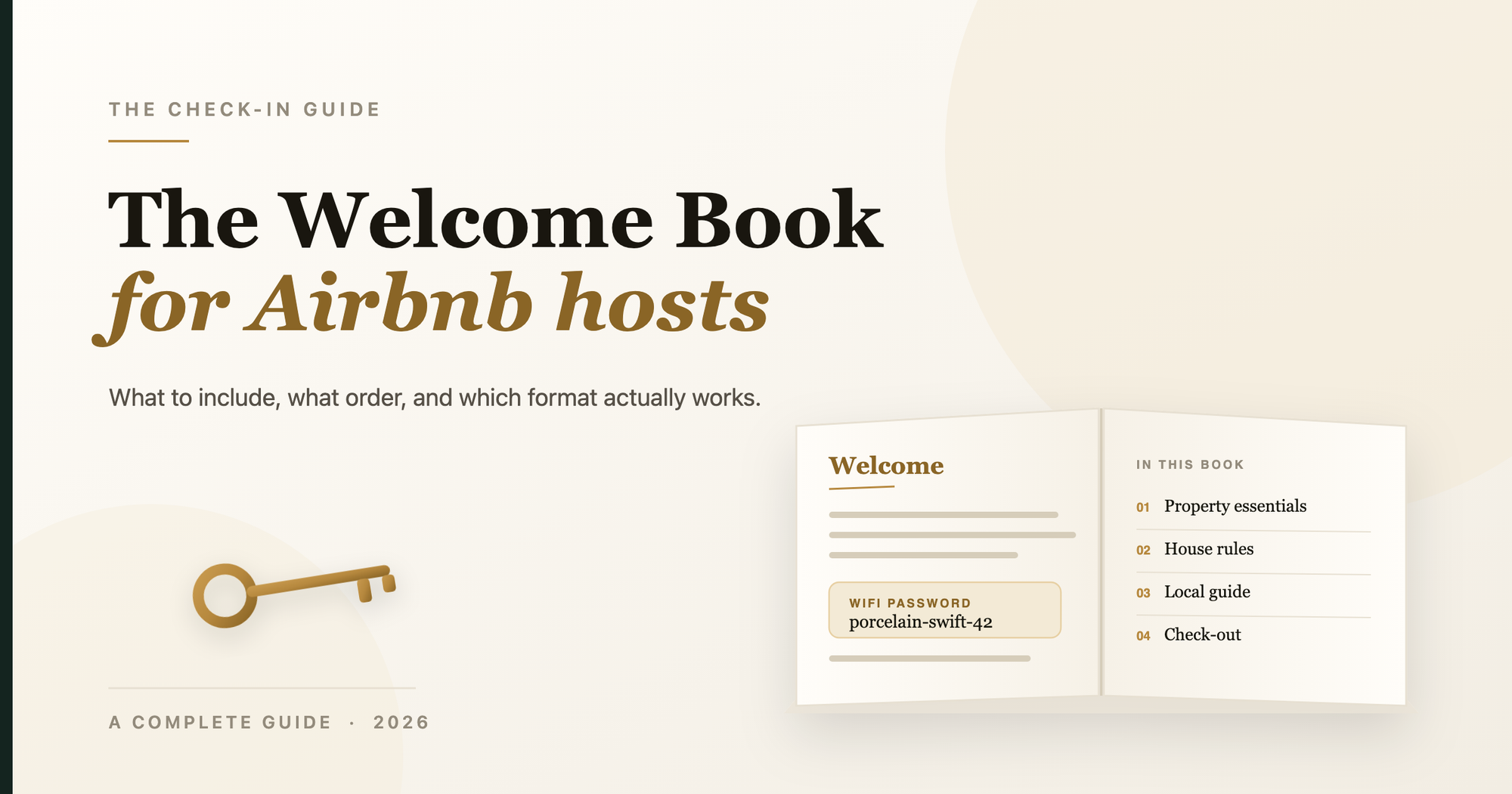
An Airbnb welcome book is a short guide you give guests at check-in that answers everything they'd otherwise text you about — Wi-Fi, the door code, how the shower works, where to eat, and how to check out. Done well, it makes guests feel looked after and cuts the stream of "quick question" messages to almost nothing. Hosts who use one often report guest questions dropping by half or more.
This guide covers what to put in yours, how to write and design it so people actually read it, how to get it in front of guests, and the mistakes that make most welcome books useless. There's a free copy-paste template at the end.
Why a welcome book is worth the afternoon it takes
Every message a guest sends you is a small tax on your evening. Most of them are the same handful of questions, asked at the same handful of moments — arrival, first shower, first night, checkout morning. A welcome book answers all of them before they're asked.
Three things happen when you get it right:
- Fewer interruptions. The midnight "how do I get hot water?" text disappears because the answer is on page four.
- Better reviews. Guests who never felt confused leave happier ratings — and "the welcome guide was so helpful" shows up in reviews constantly.
- You look professional. A designed guide signals that the rest of the stay is handled too. It's the cheapest way to feel like a boutique hotel.
What to include in an Airbnb welcome book
The best welcome books are built around the questions real guests actually ask, in the order they ask them — not a generic checklist. Here are the eight sections that cover almost everything:
1. A warm welcome note. Two or three sentences in your own voice. Who you are, why you love the place, and "make yourself at home." This is what makes it read like you wrote it, not a template.
2. Wi-Fi, keys & arrival. The five things a guest needs in the first ten minutes: the Wi-Fi name and password (large and copy-able), how to get in, where to park, and who to call if something's wrong. Put this first — it's the most-used page.
3. How the home works. The quirks only you know. The tap that runs cold for thirty seconds. The burner that needs two clicks. The AC remote that lives in the drawer. This section alone kills most of your inbound messages.
4. House rules. A short list guests will actually keep — quiet hours, smoking, parties, pets — instead of a long one nobody reads. Frame them warmly.
5. Where to eat & drink. Your honest shortlist, in your words. Three to six places a good friend would actually send you to, with a line on why and how far. Guests treasure this more than anything else.
6. Things to do nearby. Viewpoints, walks, the market, the spot that makes the location worth visiting. Order them the way you'd recommend them.
7. Getting around. Scooter or taxi, the reliable app, the walk to the bus stop, "avoid autos after 10pm." Practical, local, specific.
8. Checkout & if something goes wrong. Exactly what to do on the last morning (strip the beds? lock up? where do the keys go?) and who to call, in order — you, the caretaker, local emergency numbers.
Rule of thumb: if you've answered the same question from two different guests, it belongs in the welcome book.
Digital, printed, or both?
Both, ideally — they cover different moments.
- Digital (a PDF or link you send in your check-in message) lets guests read it before they arrive and search it on their phone during the stay.
- Printed (a copy on the kitchen counter) catches the guest who never opens your message, and looks lovely in photos.
A single well-designed PDF does both: send the link, and print the same file for the counter.
How to write one people actually read
The reason most welcome books fail isn't missing information — it's that they're a wall of text nobody scans.
- One topic per page or section. Guests jump to what they need; don't make them hunt.
- Big headings, short lines, bullets. Someone standing in the kitchen holding a phone should find the Wi-Fi in two seconds.
- Write like a person. "The good coffee is in the blue tin by the stove" beats "Complimentary coffee provisions are located in the kitchen area."
- Be specific, not exhaustive. Six great restaurant picks beat a directory of thirty.
- Lead with the answer. Put the Wi-Fi password before the paragraph about the router.
Design tips (even if you're not a designer)
- Pick two fonts and two colours and stop there.
- Use one strong photo per section — your own, not stock.
- Leave white space; a cramped page feels like homework.
- Make the Wi-Fi password the biggest thing on its page.
If design isn't your thing, that's exactly what tools like The Check-in Guide are for — you answer a few questions and get a designed PDF back.
How to deliver it to guests
- In your check-in message, a day before arrival: "Here's your guide to the place — everything you'll need is in here 👇" + the link.
- A QR code on the fridge that opens the digital version.
- A printed copy on the kitchen counter or coffee table.
Common mistakes to avoid
- Too long. Nobody reads 25 pages. Aim for around 12.
- Out of date. A wrong Wi-Fi password is worse than none. Keep it current.
- All rules, no warmth. A list of "do nots" sets a cold tone. Balance rules with recommendations.
- Buried essentials. Wi-Fi and checkout should be findable in seconds, not on page 20.
DIY or done-for-you?
You have three honest options:
| Option | Time | Cost | Looks like |
|---|---|---|---|
| Build it in Canva/Word | 4–8 hours | Free | Homemade, usually |
| Hire a freelancer | 1–3 weeks | $200–600 | Depends |
| Use a welcome-book maker | ~15 minutes | ~$49 once | Designed |
If you enjoy the craft and have an afternoon, the free template below will get you a long way. If you'd rather it just be done — paste your listing link and The Check-in Guide writes and designs the whole thing for a one-time $49, no subscription. You can see two real examples here.
Frequently asked questions
What should an Airbnb welcome book include?
A welcome note, Wi-Fi and arrival details, how the home works, house rules, local food and activity recommendations, getting-around tips, and checkout instructions with emergency contacts.
How long should a welcome book be?
Around 12 pages is the sweet spot — enough to cover everything guests need without becoming a document nobody reads.
Do welcome books really reduce guest messages?
Yes. Hosts commonly report guest questions dropping by 50–70% once the answers guests reach for are all in one place.
Should it be digital or printed?
Both. Send a digital version before arrival and leave a printed copy at the property — together they cover every kind of guest.
Ready to make yours? Paste your Airbnb or VRBO link and get a designed welcome book back in minutes — or grab the free template to build it yourself.