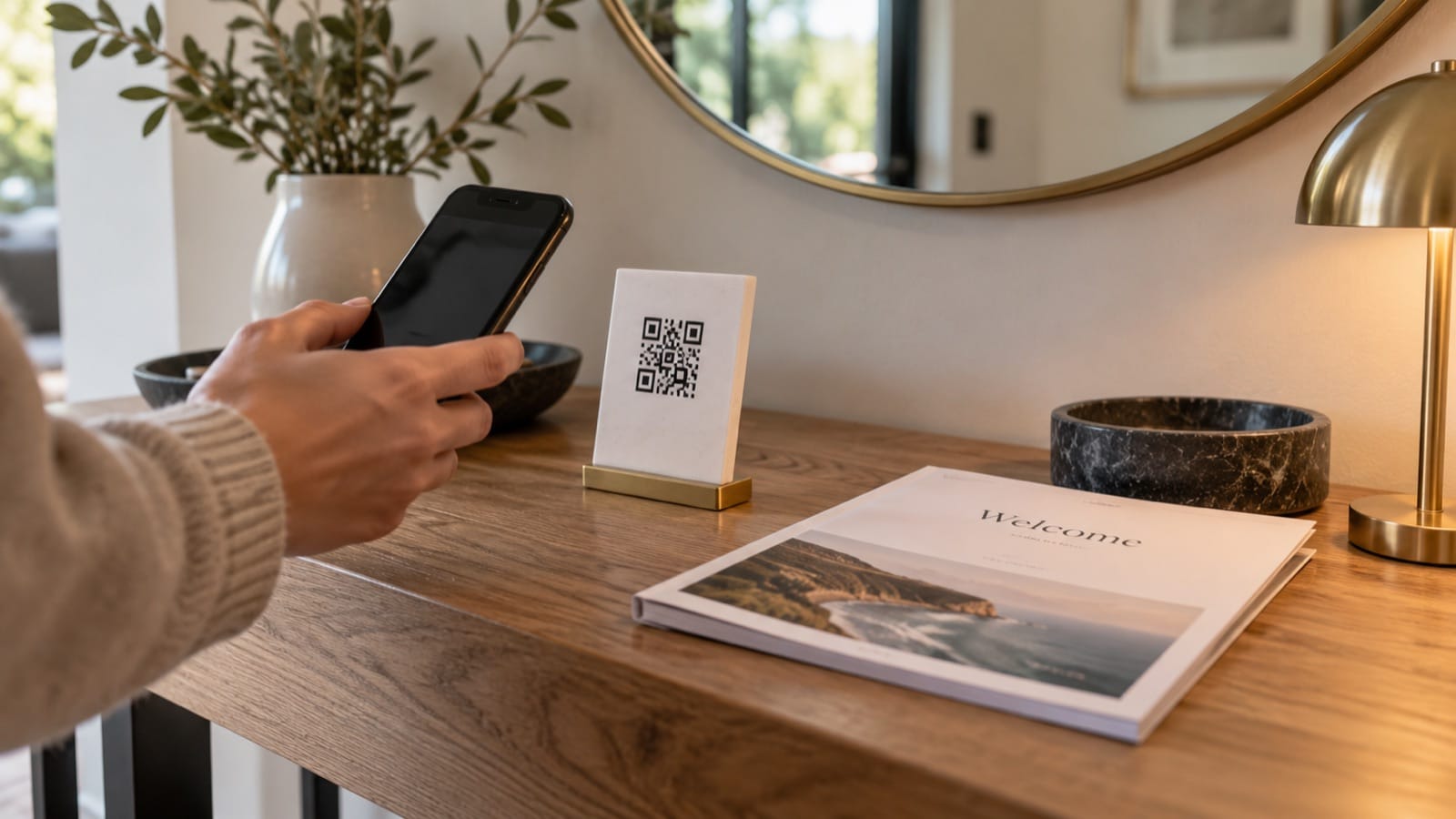
An Airbnb guidebook QR code opens a web address containing your guest guide. It gives guests another route to the information when they are already in the home. It is different from a Wi-Fi QR code, which carries network connection details.
The useful setup is a stable guide link, a clear printed card, and a fallback for anyone who cannot scan. Test the destination before printing: an attractive code is not much help if it opens an expired file or asks the guest to log into your account.
Choose what the code should open
You can link to a hosted guest guide or a shareable PDF. Check that the destination works for the intended guest without granting editing access or exposing your private files.
- Open the guide in a private browser window while signed out.
- Confirm the guest can read it on a phone.
- Check whether the PDF can be downloaded for offline use.
- Make sure the link is not a temporary download URL that will expire.
- Review any sensitive information before choosing who can access the link.
Do not use a publicly reachable guide to distribute permanent access codes. Keep reservation-specific entry information in an appropriate private channel. Wi-Fi credentials should also be shared only with the intended guests, not in public sample guides.
Create and test a URL QR code
- Copy the exact working address of the guest-facing guide.
- Use a QR generator that supports website URLs.
- Choose a static URL code if the destination can remain stable, or understand the redirect provider's terms if using a managed code.
- Download a sharp image with its clear border intact.
- Print a sample and scan it from the distance guests will use.
- Verify the final destination on a phone that is not signed into your hosting accounts.
A static code contains the address itself. A managed or “dynamic” service typically routes scans through its own address. Check pricing, expiry, usage limits, and what happens if the account is cancelled before relying on a provider for printed cards.
A guidebook QR card template
Your guide to the home
Scan to open our guest guide: Wi-Fi, home instructions, local tips, and checkout.
Prefer a link? [short, readable guest-facing URL].
Printed essentials are [location].
If the guide will not open, contact [host/method].
Keep the text readable and use strong contrast. Put the card where guests naturally look, such as the entry console or coffee table. Avoid placing the only code inside the digital guide itself; someone reading it on their phone cannot easily scan that screen with the same device.
Do not confuse it with a Wi-Fi code
Label each purpose clearly if you display both. “Join Wi-Fi” should connect to the guest network; “Open the home guide” should open a website or PDF. Our Wi-Fi QR code guide explains the separate network setup.
The generated feature image for this article is illustrative. Its QR-like motif is not a working guest-guide link and should not be copied as an operational code.
Keep an alternative when phones or internet fail
Leave essential contact information and a way to connect to Wi-Fi in readable text. A printed essentials page helps when a phone is flat or the network is unavailable. See our digital-versus-printed guide comparison for the tradeoffs.
Recheck the destination after every update
If you replace a PDF, confirm the printed code still points to the current guide. Record the link and version in your hosting notes, and scan the displayed card during periodic property checks. A working URL today does not guarantee a newly exported file will use the same address.
Start with a guide worth opening. Build a downloadable welcome-book preview, then choose an appropriate guest-sharing destination for your finished PDF.