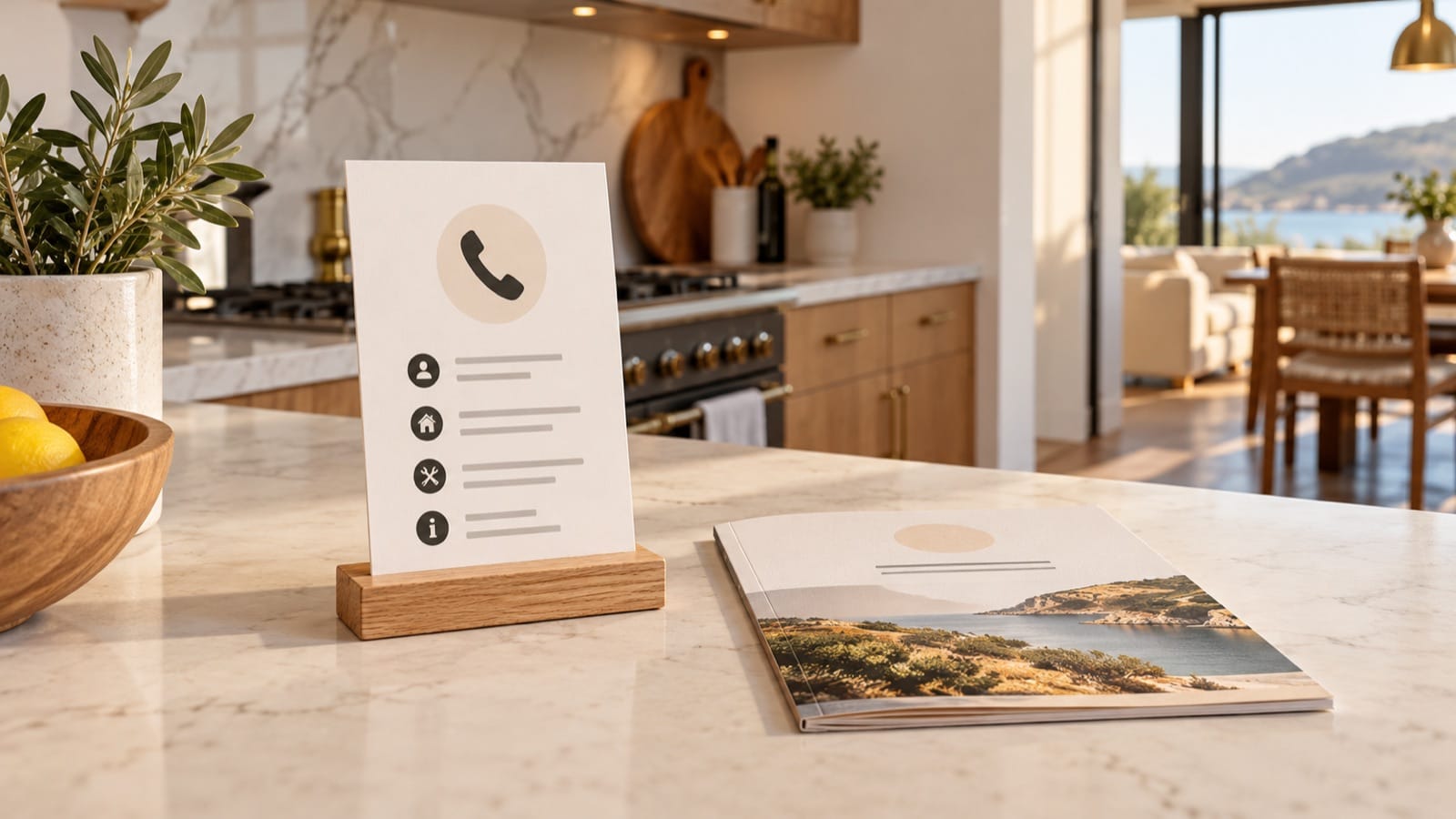
An Airbnb emergency contact card should make the property's address, local emergency help, and host contact easy to find without opening an app. It needs verified local information and a clear distinction between an immediate emergency and an ordinary property problem.
Keep a printed copy in an obvious place and include matching information in the guest guide. The card supports your property's emergency planning; it does not replace local emergency-service instructions, required notices, or equipment maintenance.
A contact-card template to fill in
Emergency information for [property name]
Address to give responders: [full address, unit/floor, postcode, and relevant entrance description].
Immediate emergency: Contact [verified local emergency service and number]. Follow the emergency operator's instructions. Do not wait for a host reply when urgent assistance is needed.
Host: [name, verified phone/contact method, and actual availability].
Agreed backup: [name, verified contact, and coverage].Property emergency plan: [location of the verified plan and meeting-point information].
First-aid kit: [verified location].
Other relevant information: [locally appropriate, verified details].Information checked: [date].
Every bracket is a placeholder, not operational advice for a specific destination. Replace or remove it before printing. The same emergency number is not valid in every location, and a general hospital switchboard is not necessarily the right number for urgent help.
Verify numbers using local authoritative sources
Check emergency-service information with the appropriate official local source. Confirm the property's full address and the entrance description a visitor can recognise. Include the unit or building name if it changes where assistance needs to go.
For the host and backup, verify the actual contact method and agreed coverage. Use an appropriate international format for personal contact numbers where useful to travelling guests, while keeping local emergency dialling instructions exactly as officially advised.
Do not label a number “24-hour help” unless somebody has agreed to answer it around the clock. If your coverage is limited, describe it accurately.
Separate urgent help from property support
A Wi-Fi outage or missing towel needs a host response. An immediate danger may need emergency services first. Put these routes in separate sections so the guest does not have to interpret a list of names during a stressful moment.
Keep detailed medical, fire-response, and equipment instructions out of a generic fill-in template. Use the property's appropriate, verified emergency plan and current local guidance. Do not ask guests to investigate a hazard or undertake repairs.
Explain where the plan and supplies are
Airbnb's emergency-preparation guidance recommends accessible emergency information and an emergency plan. Use its resources as a starting point while checking the requirements and conditions specific to your property.
Describe the verified location of supplies and the plan rather than copying a room arrangement from another home. Keep access to those items consistent with what the card says. A first-aid kit moved into a locked owner cupboard makes the printed location unhelpful.
Design for a quick read
- Put the address and urgent-help route first.
- Use readable type and strong contrast.
- Label each number by its actual purpose.
- Keep the card visible without exposing private details in public marketing photos.
- Include a checked date so your team knows which version is current.
A QR link can provide supplementary information, but keep essential contact details in printed text. A guest may have a flat battery or no internet. See the printed-versus-digital guide for why both routes can matter.
Maintain every copy
Review the card when the host, backup, entrance, or emergency plan changes. Replace the printed copy, update the digital guide, and check translated editions. Give one person responsibility through your co-host handover and property checks.
Keep verified help information close to hand. The Check-in Guide brings your property's contact details and practical home information into a downloadable welcome book.